
Appointment Requests, Confirmations and Reminders on WhatsApp
Customers send a booking request in the chat or a WhatsApp form; your team books the free slot in the appointments list and sends the confirmation and reminders with approved templates.
Get Started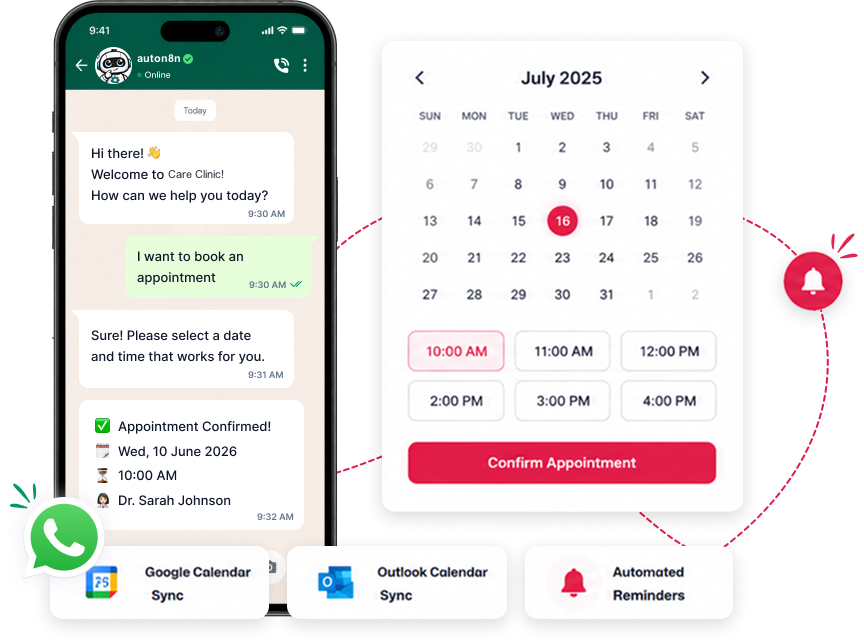
The Booking Journey
From the first message to the visit, without phone tag.
Request
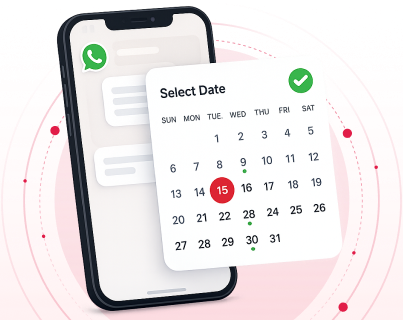
Customers choose a service and send their preferred date and time through a WhatsApp form or chatbot.
Deposit (optional)
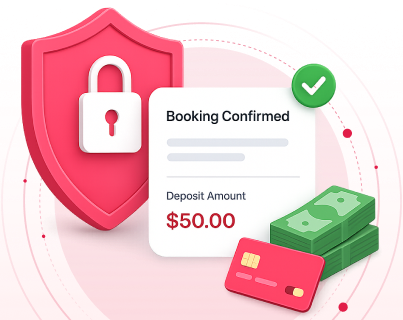
Send a payment link in the chat when you want a booking deposit before the visit.
Confirm & manage
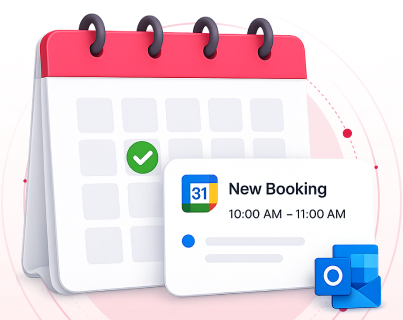
Your team books the free slot in the appointments list and sends the confirmation; later it completes or cancels the booking.
Scheduling Examples
Medical Clinics
Patients request a doctor and time and answer simple pre-consultation questions in a WhatsApp form; reception confirms the slot.
Spas & Salons
Clients request a service and stylist in the chat, get a confirmation and a reminder the day before.
Sales Demos
Prospects ask for a demo call on WhatsApp, and the sales team schedules it in the appointments list.
Coaching & Consulting
Lawyers, coaches and consultants collect details before the meeting with a WhatsApp form and confirm the slot in the chat.
Scheduling Features
Engine Features
Native WhatsApp Flows
Build multi-step request forms (service, date, time, details) that open natively inside WhatsApp.
Buffers and working days
Set the duration, buffer time between bookings, available days and hours for each service.
Services and slots
Set up your services with their durations and available times; your team sees only free slots when booking.
Appointments list
See every booking with the customer's details in one list, and cancel a booking when needed.